Personal / demo · 2025
File Tool
Multi-Format Converter
A personal/demo utility project exploring a short, understandable conversion journey. The focus is the interface and workflow described here, not a claim about production usage or supported formats.
- Project type
- Personal / demo project
- Category
- File Tool
- Role
- Product Planning, UI Flow, App Build
- Year
- 2025
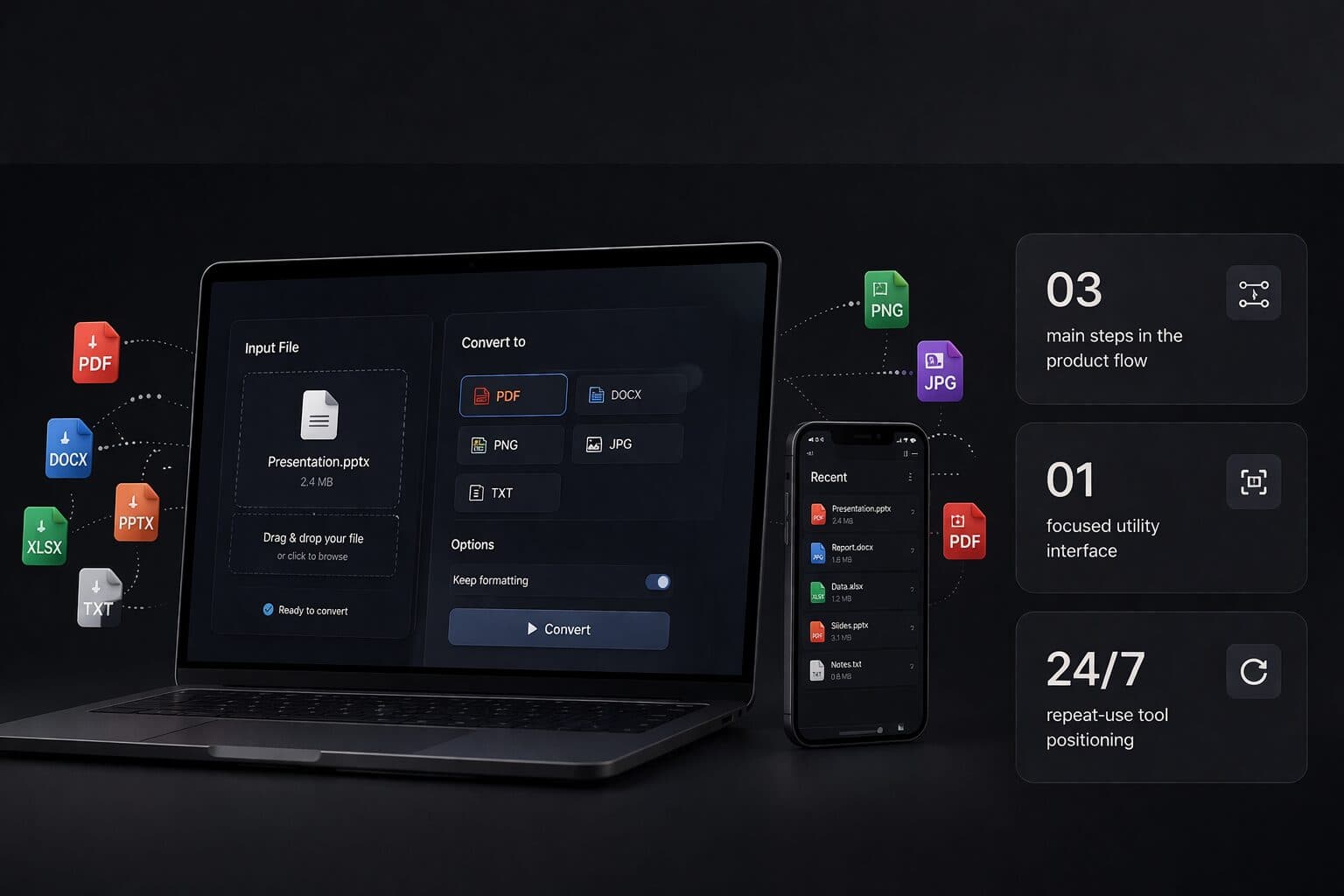
- 01Select the input
- 02Choose the output
- 03Understand the result
Make the next step clear in a small utility.
Multi-Format Converter explores how a single-purpose tool can explain its operation without making a user learn a complex interface. The core sequence is file selection, format choice and an output state. Each step should make the next decision apparent.
A converter's interface needs more than an upload button. People need to understand which input they selected and what the requested output means. A concise description beside the choice can be more useful than several decorative controls competing for attention.
The design direction keeps the utility's action central. First-time users need orientation, while repeat users need a short route through familiar steps. Clear state changes help both groups understand whether the tool is waiting, processing or ready to present a result.
This is a personal/demo product concept. No conversion-success rate, customer count, processing-speed benchmark or production availability is reported. The portfolio description should not be used as a specification of supported file types, limits or data retention.
For a production brief, those missing operational details would need explicit decisions. Define supported formats, size limits, failed-file handling, output naming and where files are processed or retained. Review an unsupported input and an interrupted operation alongside the successful journey before inviting users to depend on it.
- 01
Input clarity
show the selected file and communicate accepted formats and limits for the actual implementation.
- 02
Choice clarity
describe the output format so users understand what they are requesting.
- 03
Outcome clarity
distinguish a successful output from a failed or incomplete conversion without implying that a button click finished the job.
What the build set out to get right. These are intentions, not measured outcomes.
- 01Visible file selection
- 02An understandable format choice
- 03A distinct output state
Use this project to explain the direction you want. The real scope, content and acceptance checks come from your brief.